Instructors Version Logo
latest

Model C - Untact service

  • Functions
  • How to operate

How to operate

  • Using GUI
    • Start
    • Bringup
    • M-LRF
    • OP
    • Navigation
    • NaviRVIZ
    • WPCtrl
    • InitPos
    • Motion Ctrl
    • Run TeleOP
    • Sonar Sensor
    • Navigate Way Points
    • Navigate Trajectories
    • Parking C.S.
    • Air Information
    • Air Purifier
    • Configuration
    • Cam View
    • RS View
    • AMCL Pos
    • UVC
    • Control LED-bar
    • Ready
    • Mapping
    • RosBoard
  • Auto Run
    • Administrator’s manual
      • Install and use PM2
      • Set coordinates
    • User manual
      • How to start
      • Further explanation
Instructors Version
  • Using GUI
  • Navigate Trajectories
  • Edit on GitHub

Navigate Trajectories

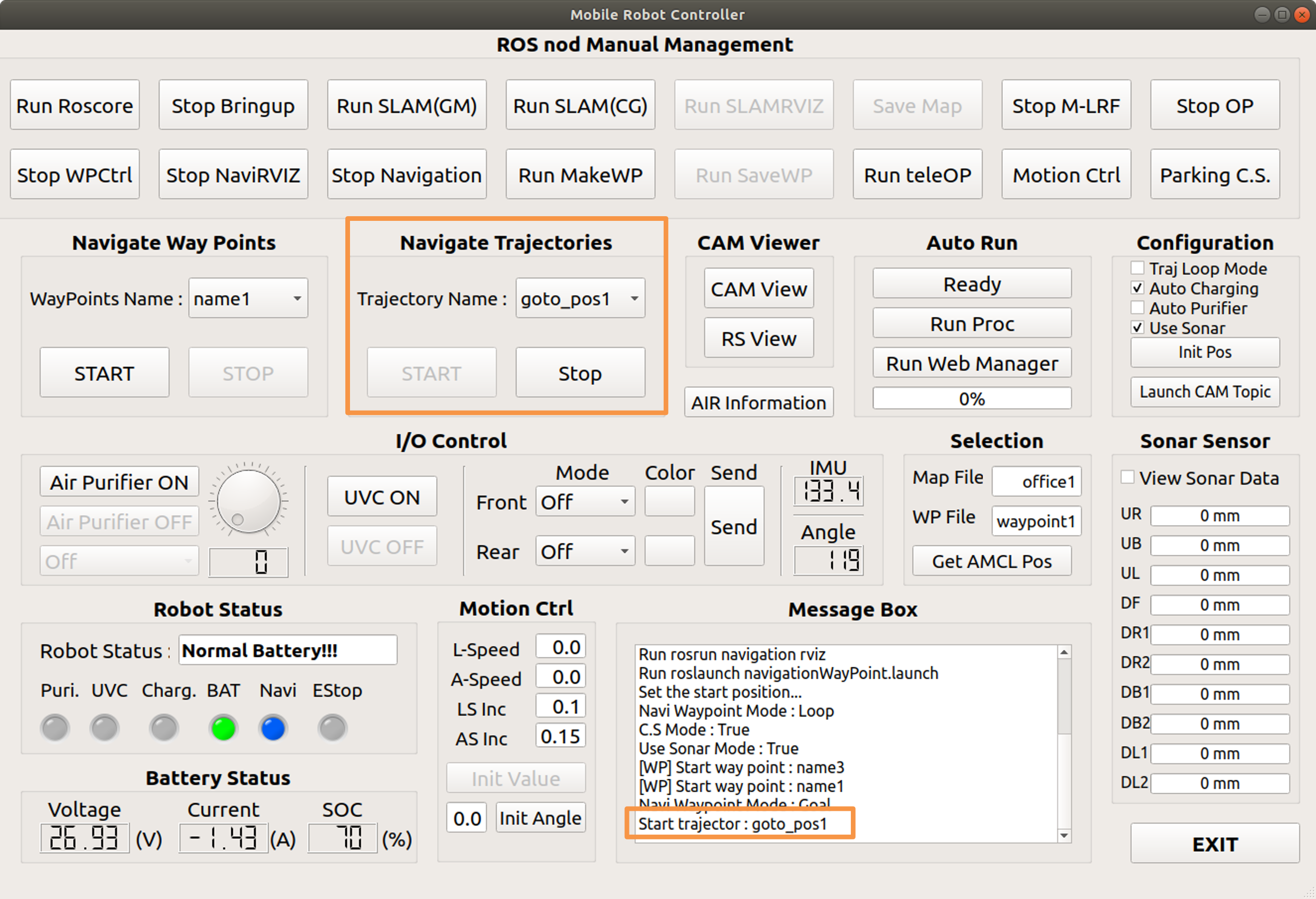
Driving by selecting a pre-registered trajectory from the drop-down menu

Desired coordinates are registered in trajectories, and it travels through these coordinates in order.


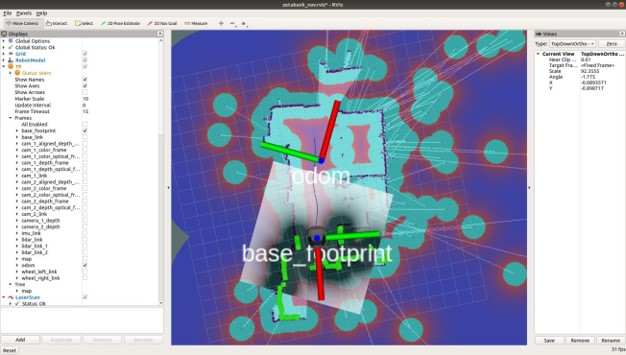
GUI execution screen when button is clicked

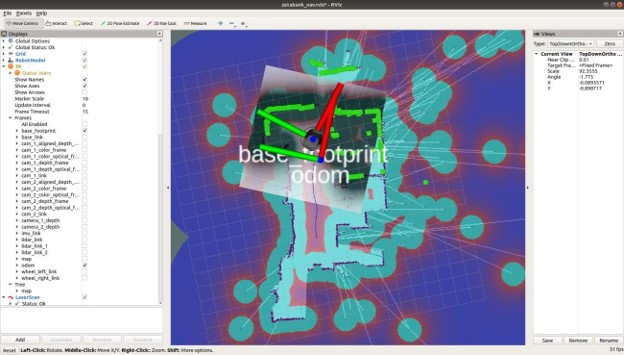
RVIZ execution screen when button is clicked
Previous Next

© Copyright . Revision 89311f9d.

Built with Sphinx using a theme provided by Read the Docs.